When showing a list of contents that was generated by a client, the robot icon in shown. The alt text for this icon has only a partial client name. I would like to see the full client name.
ex:
I have a client called testApp:npm
This client is used to populate the contents.
in the contents list, I should see testApp:npm, however instead I am seeing testApp
Because of this, I can not differentiate between clients; they are all given the same name.
thank you
Makes sense and sounds like a bug.
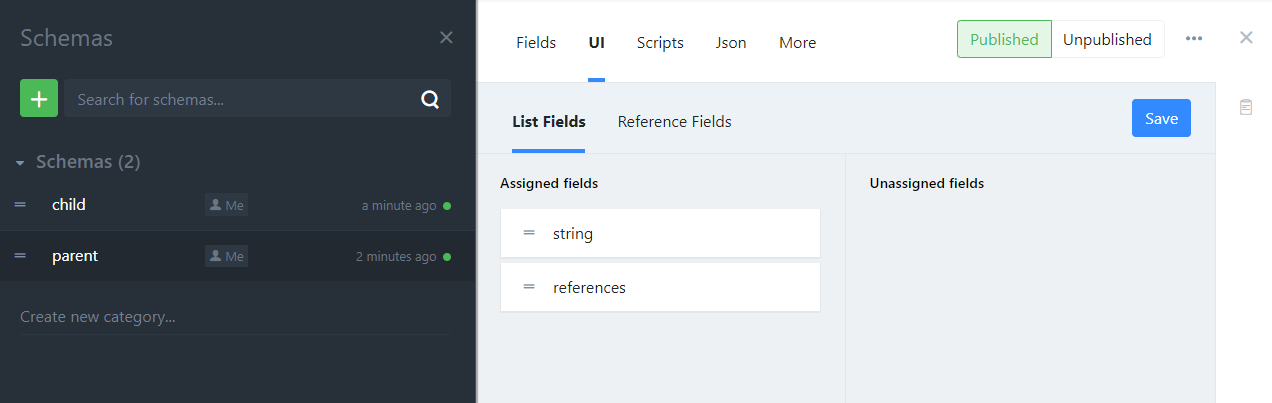
The reason for this UI is also to extend it next 2 weeks with meta fields:
So you will be able to select all meta fields you like, e.g.
- meta.statusColor
- meta.statusName
- meta.createdBy.avatar
- meta.createdBy.name
…
And so on
oooh I’m looking forward to that feature for sure!
At first glance, however, this looks to be for references and not clients? Just to be sure, here’s a screenshot of what I’m referring to:
note: this says geocomply-client instead of testApp
Now I am confused what the problem is.The title is okay, but alt text not?
yes, it’s just the alt text.
In the screenshot that alt text should read geocomply-client:npm, or perhapse just geocomply:npm, because it was the npm client that ran the script.
My project has 3 clients:
geocomply:default
geocomply:npm
geocomply:setup
but since the alt text is just showing geocomply-client I do not know which client was used.
Also, this makes me wonder if geocomply-client is correct? is adding -client desired, or should just the full name be shown?
It is fixed in master. Will be deployed soon.
1 Like
And deployed since yesterday.-
1 Like