Creating on behalf of a team member.
We are experiencing issues with the search functionality in Squidex. This is especially a major problem for the users of our cao CMS. When you type something into the standard search box (full text search) in Squidex, there is often no result. You cannot search on parts of words or, for example, on a number. At the moment you have to use filters for everything.
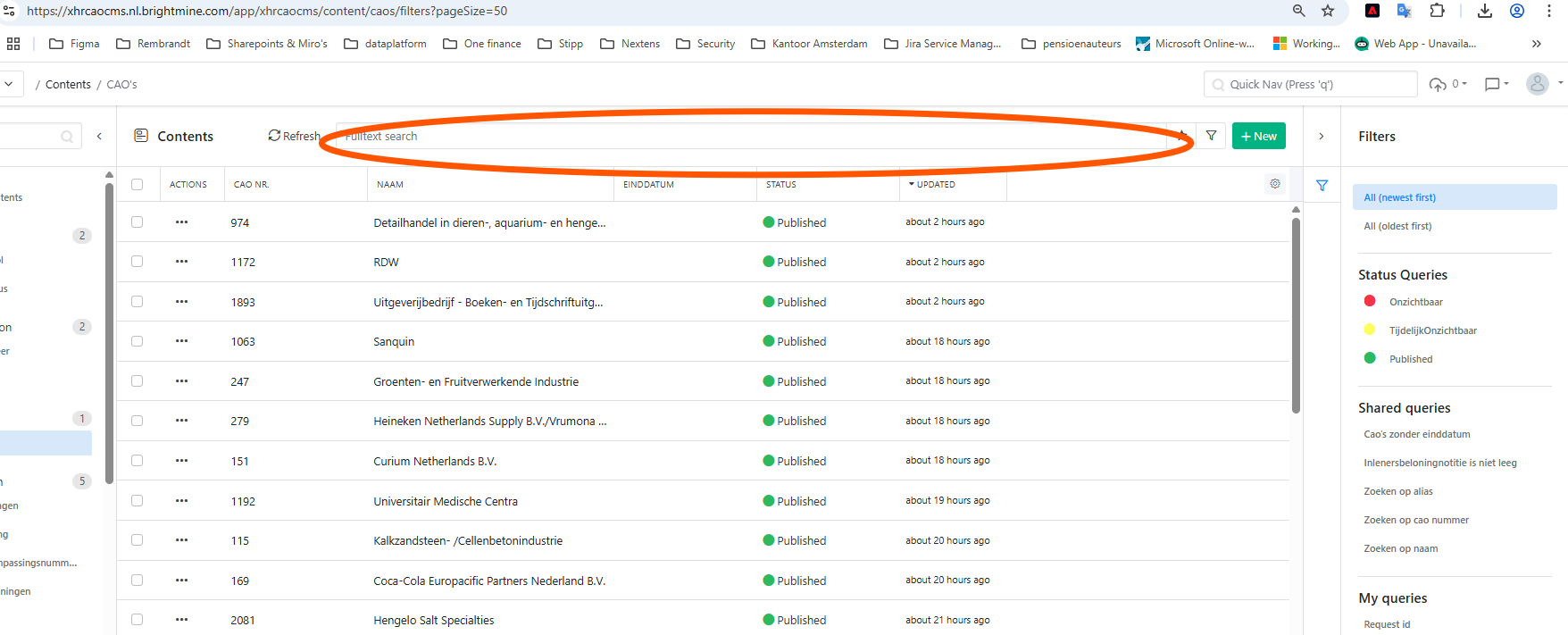
We have created and bookmarked a number of filters. But this is also not very user-friendly. For every search you have to select a filter, open that filter, then enter your search term in the filter pop-up and then click submit. (Every search action requires at least 4 clicks from the user).
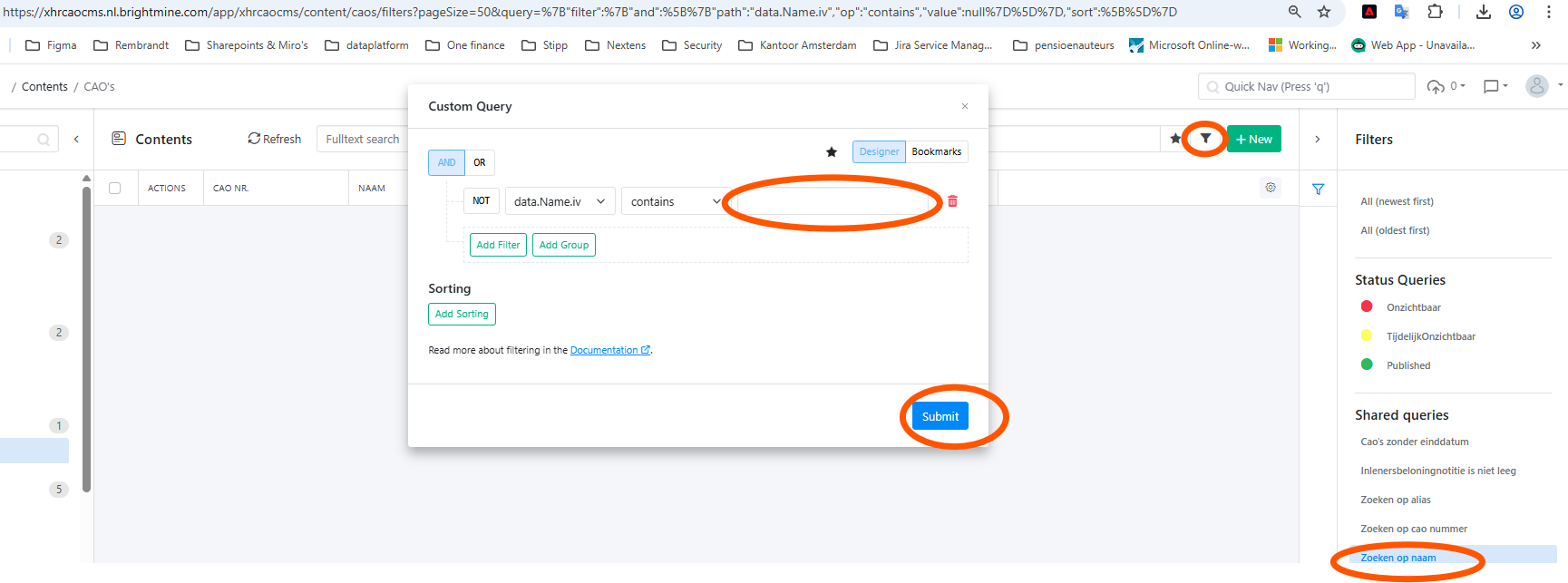
In addition, you also cannot easily navigate through the different actions using your keyboard (to submit a search query you really have to click a button and you cannot use the Enter key).
The users of our cao CMS perform an enormous number of searches per day (more than an average editor of the core CMS), and having to click at least 4 times for every search and being able to navigate only with the mouse is practically unworkable.